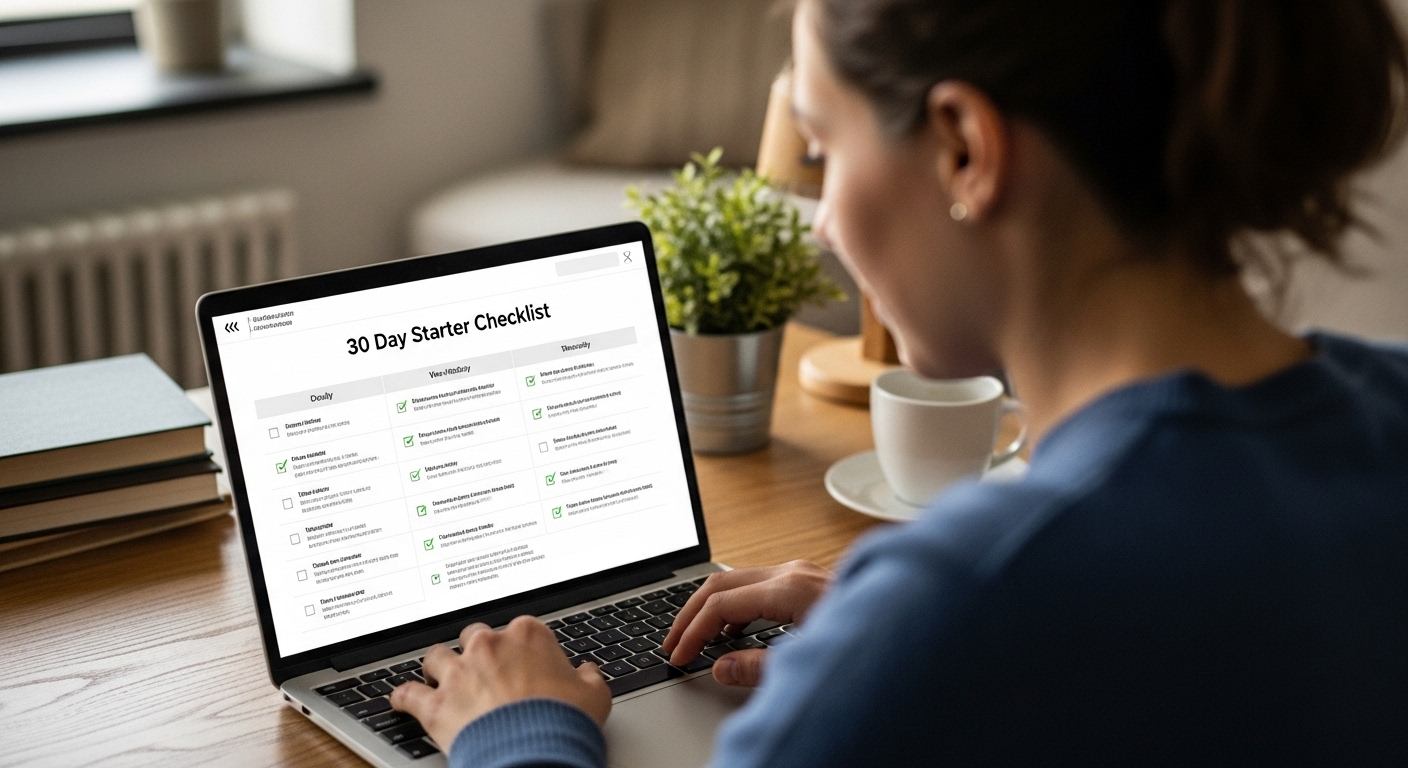
⭐ 30-Day Wealthy Affiliate Starter Checklist
A practical, action-oriented roadmap for new members
WEEK 1 — Orientation, Mindset & First Steps
Day 1 — Create Your Free Account & Explore
- Log in and complete your WA profile.
- Read the welcome message and browse the dashboard tabs: Training, Websites, Research, Community.
- Watch the “Getting Started” intro lesson.
Day 2 — Decide Your Direction
- In Lesson 1’s tasks, choose a niche direction (broad ideas are fine at this stage—fitness for moms, guitar basics, home coffee brewing, dog training, etc.).
- Write down who your target reader is (one sentence).
Day 3 — Understand Affiliate Marketing Basics
- Complete Lessons 1–2 of the Online Entrepreneur Certification.
- Take notes on how affiliate programs work: problem → solution → product → commission.
Day 4 — Begin Keyword Basics
- Access the keyword research walkthrough for beginners.
- Look up 5–10 simple keywords related to your niche (e.g., “best dog toys for chewers”, “how to brew better espresso”).
- Save them to a notes file.
Day 5 — Explore the WA Community
- Post your first WA blog entry or status update.
- Ask one beginner question in Live Chat.
- Follow 10 helpful members for motivation.
Day 6 — Prepare for Your First Website
- Complete the lesson on choosing a domain name.
- Brainstorm at least 5 potential site names using your niche direction.
**Day 7 — Review & Recap
- Re-watch any lessons you didn’t fully understand.
- Refine your niche into a focused angle (e.g., “espresso brewing for beginners”).
WEEK 2 — Build Your Website & Learn SEO Basics
Day 8 — Build Your First Site (Free Subdomain)
- Use SiteRubix to create your website.
- Install a basic theme (simple, clean, minimal).
Day 9 — Learn the WordPress Dashboard
- Explore Posts, Pages, Plugins, Settings.
- Set your site title and tagline.
Day 10 — Install Essential Plugins
- Activate WA’s recommended plugins (Site Kit, SEO Framework, etc.).
- Add a basic SEO plugin if allowed in your plan.
Day 11 — Write Your “About Me” Page
- Follow the WA lesson for writing an About page.
- Focus on: who you are, why the niche matters to you, and how you help visitors.
Day 12 — Write Your “Privacy Policy” Page
- Use WA’s privacy policy template and edit your site details.
Day 13 — Learn Basic On-Page SEO
- Take the SEO lesson in the starter course.
- Practice using headings (H1/H2/H3), internal links, and keyword placement.
**Day 14 — Week Review & Adjustments
- Review your site.
- Make small tweaks to your theme, fonts, or homepage layout.
WEEK 3 — Create Your First Content & Start Building Momentum
Day 15 — Keyword Research Session
- Use the starter-level keyword tool access to find 10 more low-competition topics.
- Look for keywords with:
- clear intent,
- low competition,
- easy-to-write answers.
Day 16 — Write Your First Blog Post
- Follow WA’s first content-creation lesson.
- Draft a 700–1200 word article addressing a simple question.
Day 17 — Publish Your First Post
- Add images, check readability.
- Publish the post (don’t over-edit — progress beats perfection).
Day 18 — Write Your Second Blog Post
- Pick another beginner-friendly keyword.
- Outline the post using H2s and H3s before writing.
Day 19 — Optimize Both Articles
- Add internal links between posts.
- Improve titles and meta descriptions.
Day 20 — Request Feedback
- Use SiteFeedback or community threads to get input.
- Make 3–5 improvements based on advice.
Day 21 — Week Review
- Goals: 2 published posts, site structure set up.
- Write a quick WA blog update on your progress.
WEEK 4 — Strengthen Your Site, Learn Monetization & Build Habits
Day 22 — Learn About Affiliate Programs
- Take the affiliate program lessons.
- Search for 3–5 relevant programs (Amazon Associates, niche brands, info products).
Day 23 — Add Your First Affiliate Links (if eligible)
- Apply to one beginner-friendly program (Amazon is common).
- Add your first affiliate link to an appropriate post.
Day 24 — Write Post #3 (Your First Review Article)
- Follow WA’s “How to Write a Review” lesson.
- Keep it honest, helpful, and value-heavy.
Day 25 — Improve Site Navigation
- Add a menu: Home, Blog, About, Contact.
- Clean up your sidebar and footer.
Day 26 — Technical Housekeeping
- Check site health inside WA hosting.
- Ensure SSL is active (https).
- Run updates.
Day 27 — Internal Linking Strategy
- Add internal links from your older posts → newer posts and vice versa.
- This is critical for SEO and helps new articles get indexed.
Day 28 — Content Sprint
- Write and publish your 4th article.
- Use short paragraphs and clear headings for readability.
Day 29 — Learn Tracking & Analytics Basics
- Add Google Analytics or Site Metrics (depending on plan access).
- Begin watching impressions and clicks (low numbers are normal for new sites).
Day 30 — 30-Day Review & Next Steps
Reflect on:
- Did you publish at least 3–4 articles?
- Do you have a clear niche direction?
- Are you comfortable with WordPress basics?
- Do you enjoy writing in this niche?
Optional decision point:
If the structure, tools, and hosting helped you, consider whether upgrading to Premium makes sense for month 2 (unlocks full training, unlimited lessons, full Jaaxy, AI tools, multiple sites, weekly live classes, and more).
⭐ What This 30-Day Plan Achieves
By Day 30, you will have:
- 1 functioning website
- A solid niche direction
- 3–4 search-optimized articles
- Basic SEO foundations
- Familiarity with WordPress
- Understanding of affiliate programs
- A repeatable content workflow
- A sense of whether WA fits your style
This is the exact base most successful affiliate marketers start with.